Introduction to Forms in the Stock Module
Address Labels
Base Price Change
Delivery Notes
Freight Labels
Goods Receipt Labels
Goods Receipts
Item Labels
Picking Lists
Proforma Deliveries
Returned Goods
Returned Goods to Supplier
Stock Depreciations
Stock Movement Invoices
- Header Fields
- Row Fields
Stock Movements
Stock Revaluations
Stocktaking Comparison Introduction to Forms in the Stock Module
Address Labels
Base Price Change
Delivery Notes
Freight Labels
Goods Receipt Labels
Goods Receipts
Item Labels
Picking Lists
Proforma Deliveries
Returned Goods
Returned Goods to Supplier
Stock Depreciations
Stock Movement Invoices
- Header Fields
- Row Fields
Stock Movements
Stock Revaluations
Stocktaking Comparison
 Tutorials for Standard Accounts Tutorials for Standard Accounts
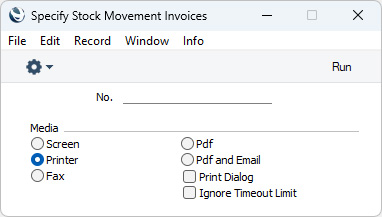
Search HansaManuals.com HansaManuals Home >> Standard ERP >> Stock >> Forms/Documents Previous Next Entire Chapter in Printable Form Search This text refers to program version 2026-06-25 Stock Movement Invoices This page describes the Stock Movement Invoices form in the Stock module.--- Assigning an Invoice Number to a Stock Movement converts the Stock Movement into a Stock Movement Invoice and allows the Stock Movement to be printed as a Stock Movement Invoice. This satisfies a legal requirement in Portugal (Artigo 38.º of the Código do IVA). Please refer to the description of the 'Print Stock Movement Invoices' Operations or Tools menu function in the Stock Movement record window for details about creating Stock Movement Invoices. The primary purpose of this option is to allow you to specify the Form Template that will be used when you create and print Stock Movement Invoices using the 'Print Stock Movement Invoices' function mentioned above. To do this, highlight 'Stock Movement Invoices' in the 'Forms' list and select 'Define Form' from the Operations menu. In the subsequent 'Form Definition' window, specify a Form Template using 'Paste Special' if necessary. The 'Form Definition' window is fully described here. You can also use this option to reprint Stock Movement Invoices.
--- Go back to:
|