Installation
Click the links for details about installing Standard Accounts.Go back to:
- Home page for Standard Accounts manual
System Requirements
Standard Accounts requires Mac OS X 10.6 or later.Make sure you have at least 100 Mb available for the Standard Accounts application, the associated files and for the data file that will be created the first time you launch the application.
---
In this chapter:
- System Requirements
- Installation
- Home page for Standard Accounts manual
Installation
To install Standard Accounts, follow these steps:- Locate and purchase Standard Accounts in the Mac App Store.
- Standard Accounts 6.3 UK will be downloaded and installed in your 'Applications' folder automatically.
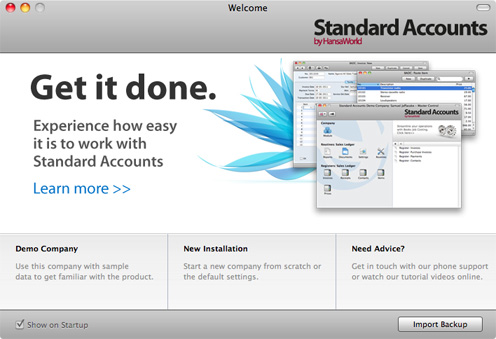
- After installation, Standard Accounts will be launched automatically, and the 'Welcome' window will be opened:
Where to go now?
Please click for more details about:
- System Requirements
- Installation
- Home page for Standard Accounts manual