Items and the Production Module
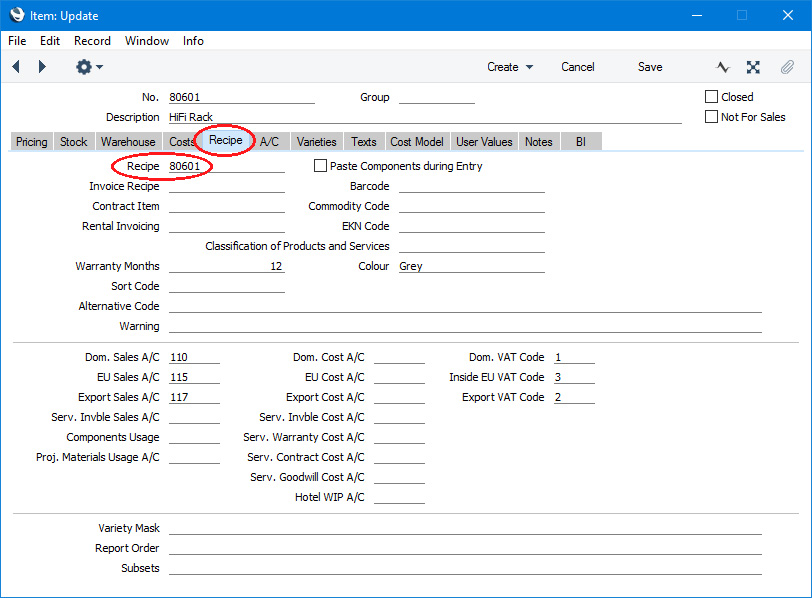
The Item register is fully described here.When entering records to the Item register for Items that will be assembled, you should make a distinction between Items that will be assembled in advance of delivery and held in stock and those that will be assembled at the moment of delivery. Using the Item Type options on the 'Pricing' card of an Item record, mark Items in the former category as "Stocked" and Items in the latter category as "Structured". In both cases, the assembly process (the components used, and the quantities required) will be governed by a Recipe that you should specify on the 'Recipe' card.
- Introduction
- Stocked Items
- Structured Items
- Phantom Items
Go back to:
- Home page for Production manual
- Home page for Standard ERP manual
Stocked Items and the Production module
When entering a record to the Item register for an Item that will be assembled in advance of delivery and that is to be held in stock, you should use the Item Type options on the 'Pricing' card to mark the Item as "Stocked":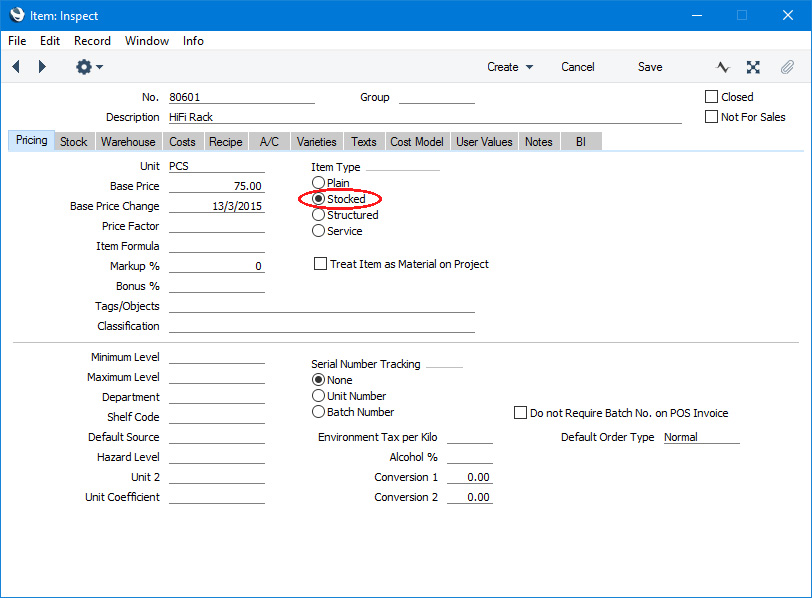
When you need to assemble such an Item, you will do so by creating a record in the Production register. When you mark a Production record as "Finished", the stock levels of the Input Items (the components) will be reduced, and the stock of the Output Item (the assembled Item) will be increased.
A component can itself be an assembled Item. It must be a Stocked Item, itself produced using a Production record. When such a sub-assembly is produced, its stock will be increased. When it is used as a component, its stock will be decreased. An assembled Item can be made up of several levels of sub-assemblies.
---
Items and Production:
- Introduction
- Stocked Items
- Structured Items
- Phantom Items
- Home page for Production manual
- Home page for Standard ERP manual
Structured Items and the Production module
When entering a record to the Item register for an Item that will be assembled at the moment of delivery, you should use the Item Type options on the 'Pricing' card to mark the Item as "Structured":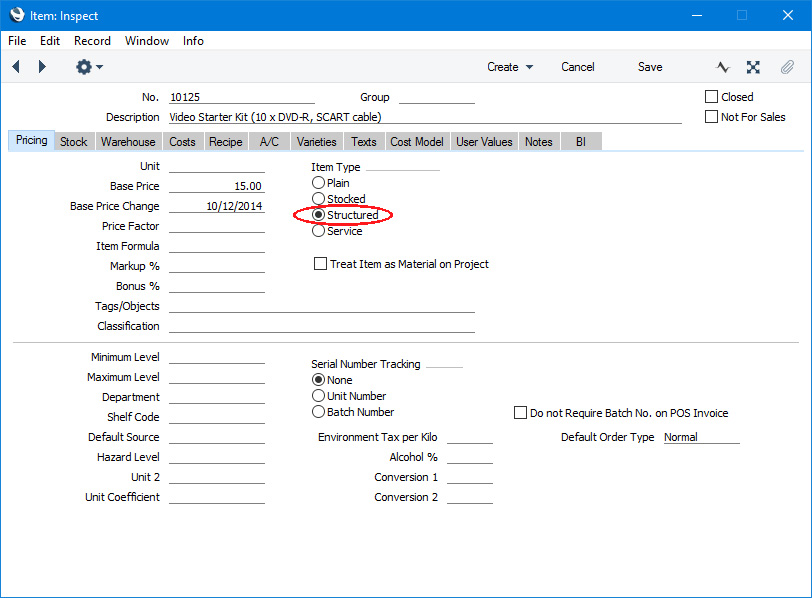
Structured Items are never held in stock: when you deliver them to Customers, stock levels of their components will be reduced.
If you would like to list the components in a Structured Item in sales and outgoing stock transactions (e.g. Quotations, Orders, Invoices and Stock Depreciations), select the Paste Components during Entry option on the 'Recipe' card of the Item record:
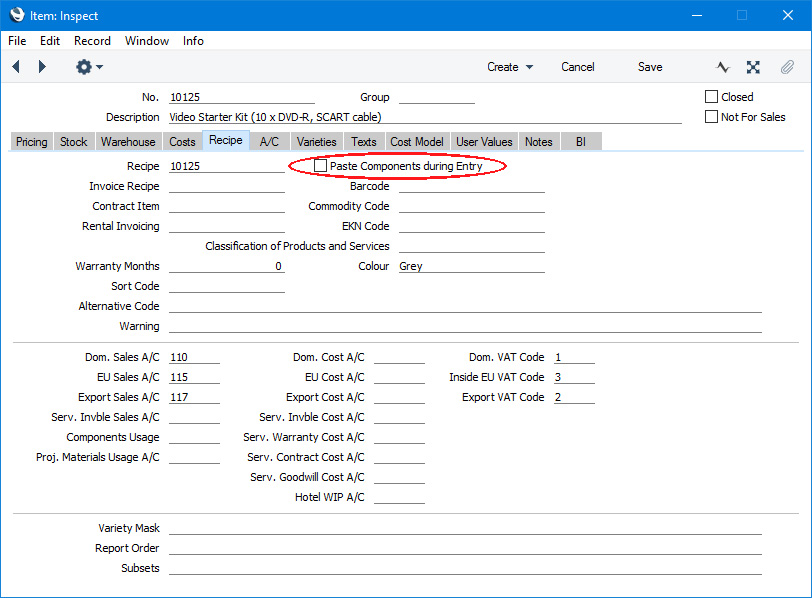
The Paste Components during Entry option will cause components to be listed on screen and to be printed on Delivery Notes and Picking Lists. If you do not want the components listed on screen, you can still have them printed on Delivery Notes and Picking Lists (but not other documents such as Order Acknowledgements, Invoices and Quotations). To implement this, use the Structured Items setting in the Stock module.
If you need cost of sales postings to be made from Invoices and you have Structured Items in which you have not selected the Paste Components during Entry option, it is recommended that you use the Post Structured Items Cost of Sales on Invoice option in the Cost Accounting setting in the Stock module. This will ensure that cost of sales postings will be made when you sell the Structured Items, both in Invoices that you enter directly to the Invoice register and in Invoices that you create from Sales Orders and Deliveries.
---
Items and Production:
- Introduction
- Stocked Items
- Structured Items
- Phantom Items
- Home page for Production manual
- Home page for Standard ERP manual
Phantom Items
A "Phantom Item" is a Plain Item with a Recipe. This is an Item that only exists momentarily during a complex Production process. If the Recipe representing the Production process has a Routing, the various stages or Operations in the Routing can produce sub-assemblies to be used later in the process. These sub-assemblies can be Phantom Items. The components used to produce a Phantom Item will be removed from stock at the relevant point but, being a Plain Item, the Phantom Item will never be held in stock. Please click here above for more details and an example.---
Items and Production:
- Introduction
- Stocked Items
- Structured Items
- Phantom Items
- Home page for Production manual
- Home page for Standard ERP manual