
|
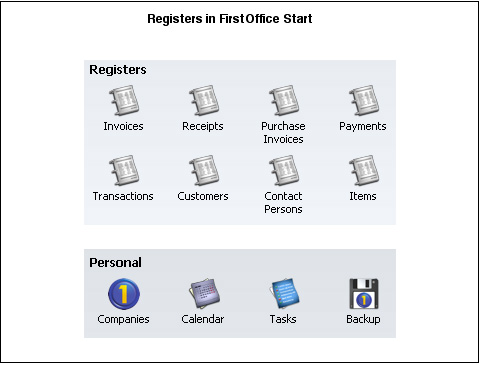
Search HansaManuals.com HansaWorld FirstOffice Start >> Work Area >> Registers Anterior Siguiente Este texto se hace referencia a la versión del programa 4.3 Registers FirstOffice consists of a number of Registers or Files in which your data is stored.To work with a register (for example, if you need to enter a new Sales Invoice), click the relevant register button in the Master Control panel. A browse window will open, listing all the existing records in the register (in this example, all Sales Invoices). Then, click [New] in the Button Bar and a blank record window will appear in which you can enter a new record.
Anterior Siguiente Arriba |