Entering a Stock Movement - Freight Card
This page describes the fields on the 'Freight' card in the Stock Movement window. Please follow the links below for descriptions of the other cards:
---
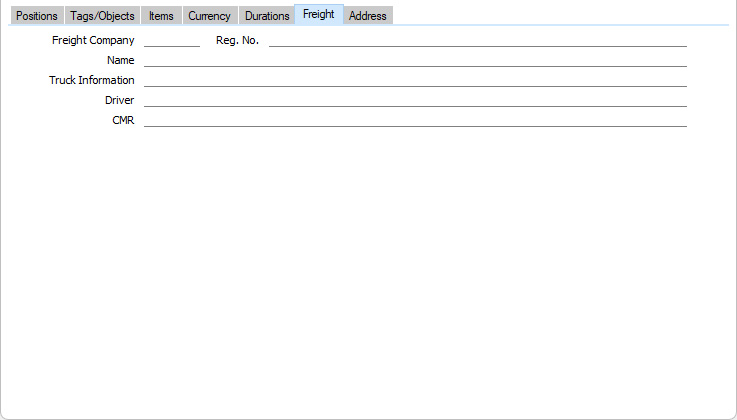
- Freight Company
- Paste Special
Freight Companies setting, Stock module
- You can use the Freight Companies setting to store information about the courier or haulage companies that your business uses to move goods from one Location to another.
- Enter here the Freight Company that you will use for the Stock Movement. The Freight Company Registration Number, Freight Company, Truck Information, Driver and CMR Text will then be brought in from the Freight Companies setting. You can change these details in individual Stock Movements. For descriptions of these fields, please refer to the page describing that setting here.
- The Freight Companies of Stock Movements can be used by the Trip Sheet report in the Stock module. This can be a list of the Deliveries, Stock Movements and Returned Goods to Supplier records with a particular Freight Company that can be transported on a specified date or during a specified period.
---
The Stock Movement register in Standard ERP:
Go back to:



