Introduction to Settings in the Stock Module
The following settings are available in the Stock module:
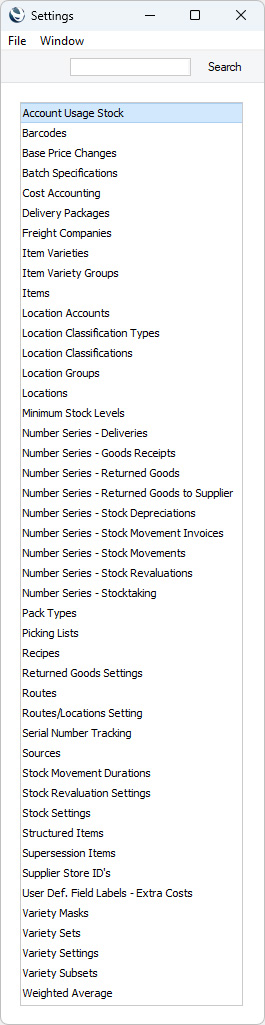
To edit a setting when you are using Windows or macOS, ensure you are in the Stock module using the [Switch Module] button in the Home Screen or the Ctrl-0 (Windows) or ⌘-0 (macOS) keyboard shortcut. Then click the [Settings] button, also in the Home Screen, or use the Ctrl-S/⌘-S keyboard shortcut. The list shown above appears. Then, double-click the item that you need in the list.
To edit a setting when you are using iOS or Android, ensure you are in the Stock module using the [Switch Module] button in the Home Screen. Select 'Settings' from the Tools menu (with 'wrench' icon). A list similar to the one shown above appears. Then, tap the item that you need in the list.
---
Please follow the links below for details about each setting:
Go back to:



