|
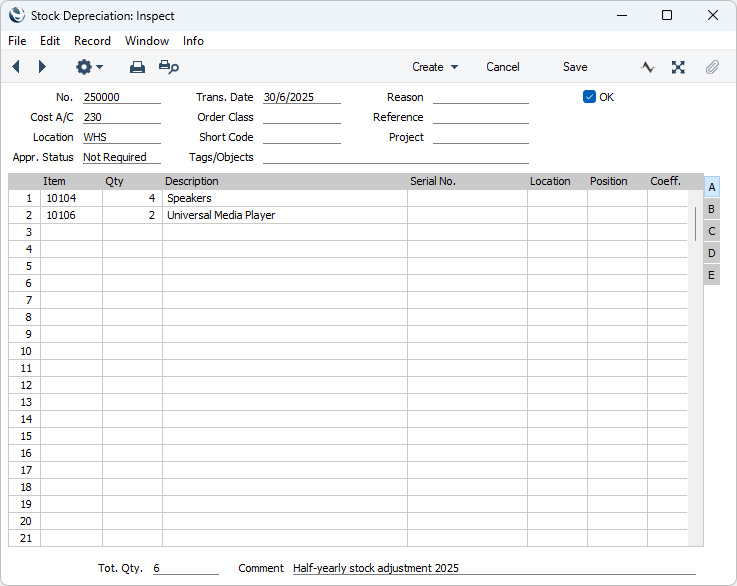
Search HansaManuals.com HansaManuals Home >> Standard ERP >> Stock >> Stock Depreciation Register Previous Next Entire Chapter in Printable Form Search This text refers to program version 2026-06-25 Entering a Stock Depreciation record This page describes adding a new record to the Stock Depreciation register in the Stock module.--- To enter a new Stock Depreciation record, open the 'Stock Depreciations: Browse' window as described above and select 'New' from the Create menu (Windows/macOS) or from the + menu (iOS/Android). You can also use the Ctrl-N (Windows) or ⌘-N (macOS) keyboard shortcuts. Alternatively, if a Stock Depreciation record that is similar to the one you are about to enter already exists, find it in the list, highlight it and select 'Duplicate' from the same menu. The 'Stock Depreciation: New' window will be opened, empty if you selected 'New' or containing a duplicate of the highlighted Stock Depreciation record. In the case of the duplicate, the Transaction Date of the new Stock Depreciation record will be the current date, not the date of the original record.
|